PPC Signals: November 2026

Part of PPC Signals, our monthly brief for e-commerce advertisers. See all issues and subscribe

In this issue
- Google Ads and Merchant Center
- Google Ads lets you rank channels and cap the low-priority ones (rolling out)
- New Performance Max campaigns pull images from your website (from December 4)
- Merchant Center may disapprove products whose price changes more than once a day (now)
- Merchant Center accepts questions and answers for AI Mode (optional)
- Meta
- Meta switched on product browsing in your running ads (since October 28)
- ChatGPT Ads
- ChatGPT Ads rewrite your ads by default (since October 30)
- Short mentions: 7 smaller changes
- New in Dotidot: 3 updates
- Watch out next month: 3 dates
Google Ads and Merchant Center
Google Ads lets you rank channels and cap the low-priority ones
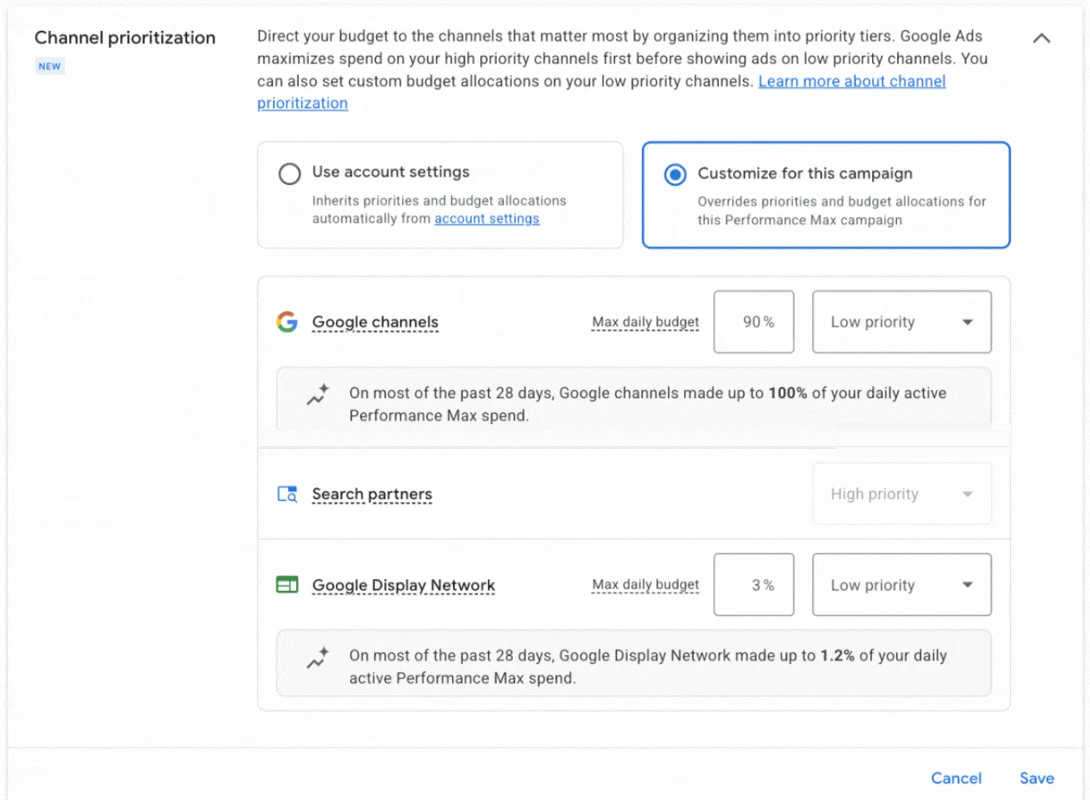
What changed: Since October 15, 2026, Google has been rolling out channel prioritization in Search, Shopping, Performance Max and Demand Gen. You mark channels such as search partners or the Display Network as high or low priority, and give low-priority channels a share of the daily budget. From February 2027, Search campaigns with Display Expansion move to this model automatically.
Who it affects: Anyone running PMax or Shopping who wants less spend on Display or search partners. Availability varies by account and campaign type for now.
What to do:
- Check which of your campaigns already show the setting.
- In Performance Max, set the channels you trust least to low priority and give them a budget share.
- Treat the share as a target, not a hard cap. Google says daily spend on a channel can occasionally go over it, so watch the channel report through Black Friday. Demand Gen gets priorities only, without budget shares.
New Performance Max campaigns pull images from your website from December 4
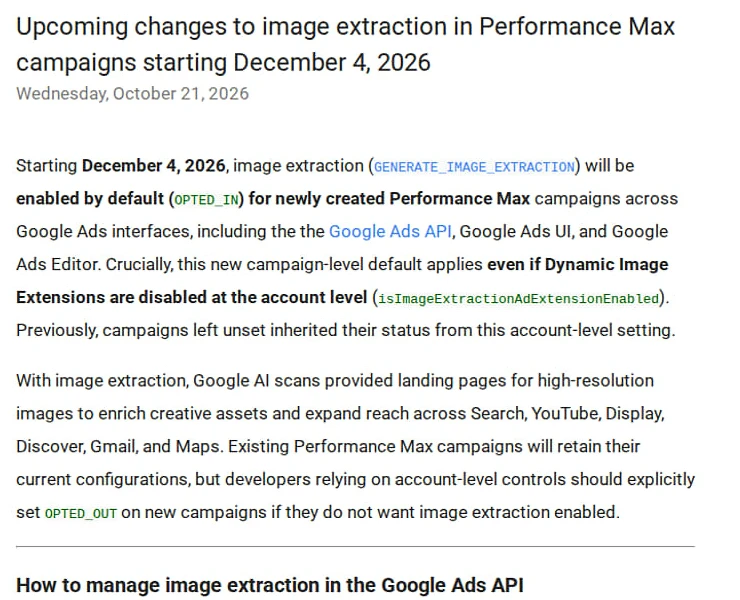
What changed: Starting December 4, 2026, image extraction is on by default for every new Performance Max campaign, in the Google Ads UI, Google Ads Editor and the API. It applies even if dynamic images are off at account level. Google AI then takes images from your landing pages for Search, YouTube, Display, Discover, Gmail and Maps.
Who it affects: Anyone creating new PMax campaigns after December 4. Existing campaigns keep their settings.
What to do:
- Decide whether you want website images in new PMax campaigns.
- If not, opt out of image extraction on each new campaign. The account-level setting no longer covers it.
- Check that you have the rights to every image on your landing pages. Google can now use them in ads.
Merchant Center may disapprove products whose price changes more than once a day

What changed: Google updated its help page on automatic item updates in late September 2026. They may not work for products whose price or availability changes often, for example more than once per day. Such products may be disapproved instead of updated, and Google may stop the updates altogether when mismatches pile up.
Who it affects: Shops with dynamic pricing or fast-moving stock that rely on automatic item updates to fix price and availability mismatches.
What to do:
- Check Diagnostics in Merchant Center for products with price or availability mismatches.
- Treat automatic item updates as a safety net, not your main update method.
- For prices that change several times a day, send updates through the Merchant API, as Google recommends. A scheduled feed fetch alone won’t keep up.
Merchant Center accepts questions and answers for AI Mode
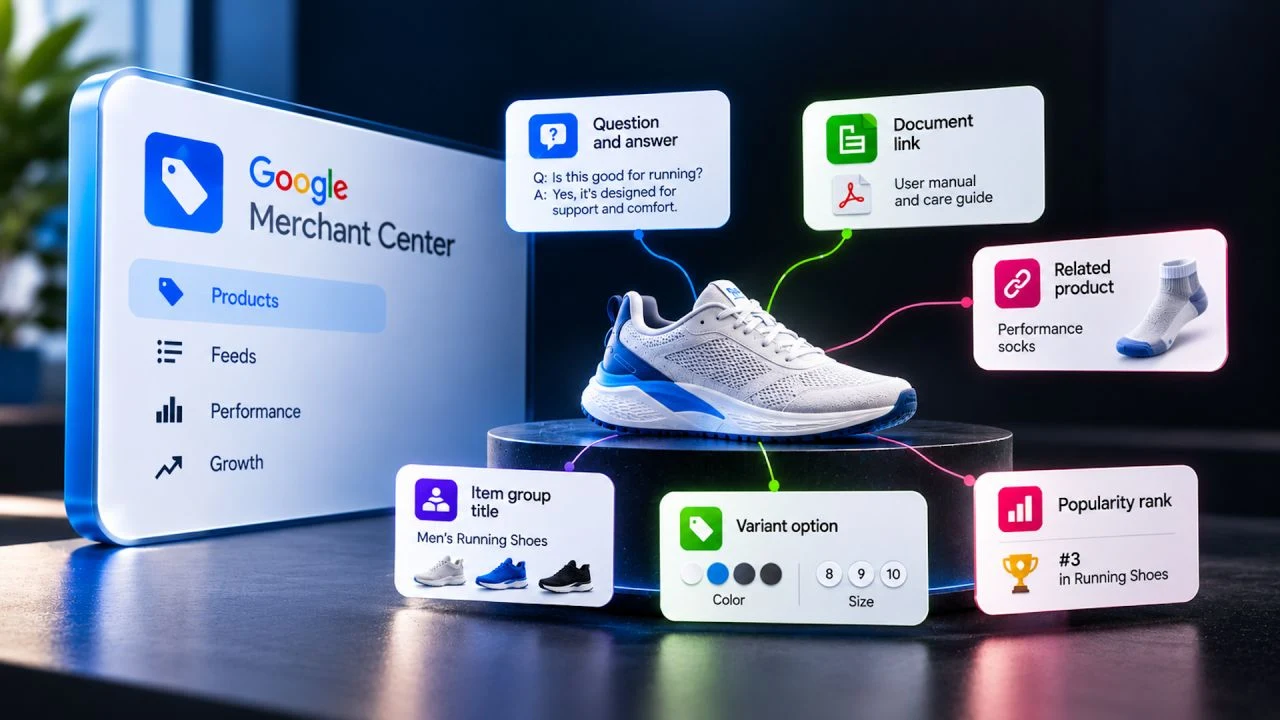
What changed: Merchant Center has a new optional attribute, question and answer [question_and_answer], meant for conversational experiences like AI Mode in Google Search. You can add up to 30 question and answer pairs per product, up to 10,000 characters in total. It works in all countries.
Who it affects: Shops whose products need explaining before purchase: electronics, cosmetics, parts, anything with specs and compatibility questions.
What to do:
- Collect the questions customers already ask: support tickets, reviews, product page FAQs.
- Write short, factual answers about the product. No prices or dates, those go in their own attributes.
- Don’t repeat what is already in the title, description or product highlights. If you send a
[document_link]with manuals, Google takes FAQs from those documents instead.
How Dotidot helps: Dotidot builds new feed attributes from your existing product data and additional sources, so the Q&A pairs don’t need to be typed in by hand.
Meta
Meta switched on product browsing in your running ads
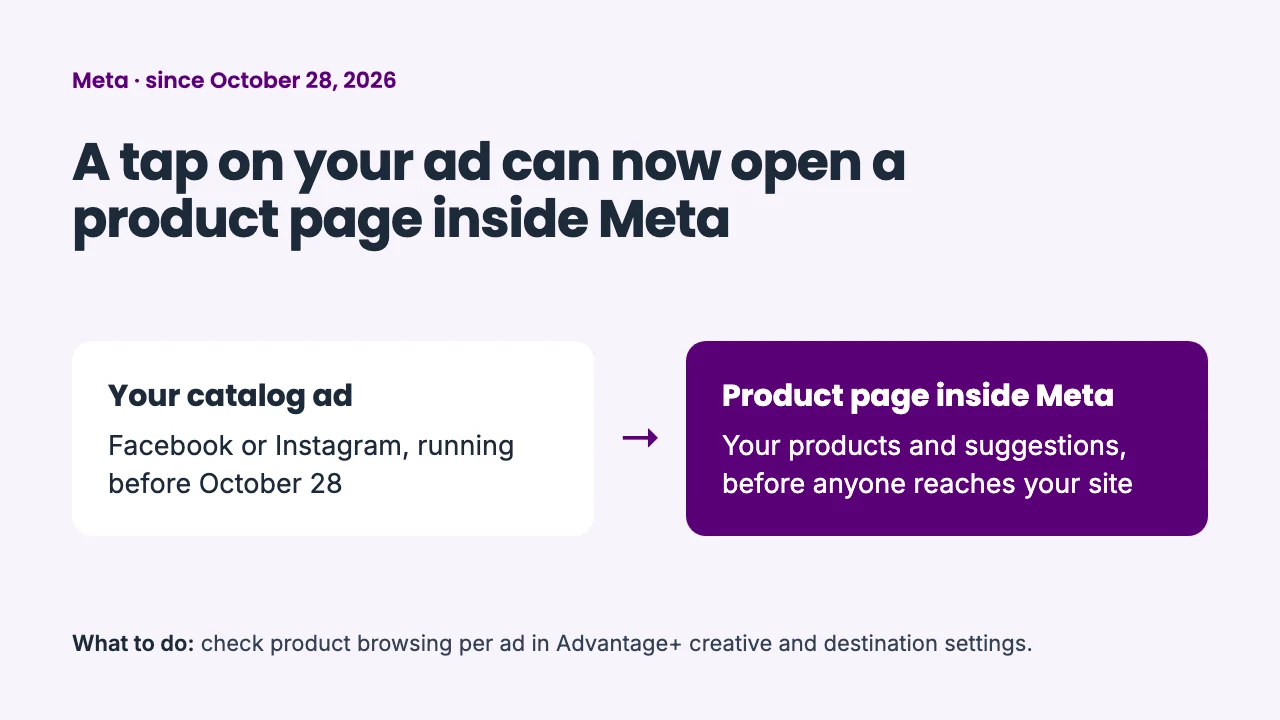
What changed: On October 28, 2026, Meta turned on product browsing in existing Facebook and Instagram ads, unless the advertiser opted out before that date. A tap on the ad can now open an in-app page with your products and suggestions instead of going straight to your site.
Who it affects: Every advertiser running catalog and sales ads on Meta. Meta announced the change in a notice to advertisers and has not published a help page about it. Advertisers have reported since October 28 that the setting shows as on in running ads.
What to do:
- Open Advantage+ creative and destination settings for your live ads.
- Decide per ad whether product browsing stays on. You can still turn it off after October 28.
- Compare clicks to your site before and after October 28, so you see how much traffic now stays inside Meta.
ChatGPT Ads
ChatGPT Ads rewrite your ads by default
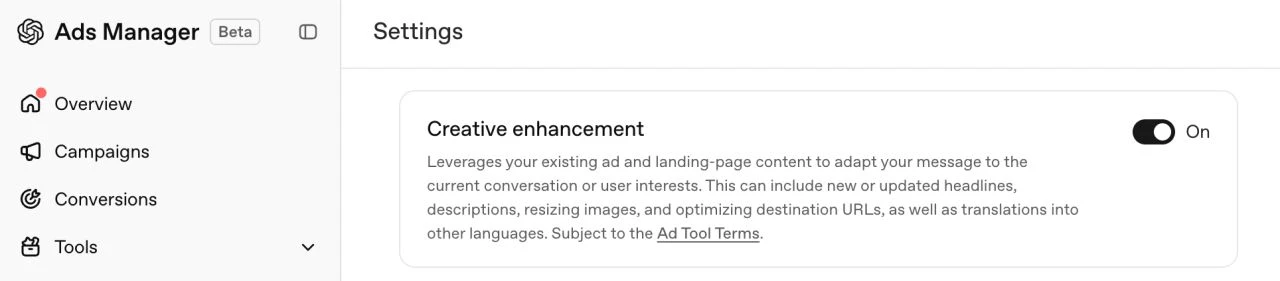
What changed: On October 30, 2026, OpenAI switched on creative enhancements for new and existing ChatGPT Ads campaigns. ChatGPT can now rewrite headlines and descriptions, resize images, translate ad text and adjust destination URLs to fit the conversation.
Who it affects: Every advertiser in ChatGPT Ads, above all brands with strict naming or legal copy.
What to do:
- Decide whether creative enhancements fit your brand.
- Opt out at account or campaign level in Ads Manager. Campaign settings override the account default.
- If you opted out before October 30, nothing changes. Earlier opt-outs stay.
Short mentions
- Performance Max sourced videos are now opt-out. Google adds videos from approved sources, such as your social channels. To stop it, switch off the new Sourced videos toggle in asset optimization settings.
- Local listings need store_address. Local inventory ads and local free listings now need the store_address attribute, which links each local offer to a physical store.
- Customer lifecycle goals grow. New Customer High Value Mode now works in Shopping, and retention goals with percentage-based value multipliers arrive in PMax, Shopping, Search and Demand Gen.
- Low image quality no longer blocks Shopping. Blurry or low-resolution images now trigger a warning instead of stopping the product. The 500 x 500 pixel minimum still applies from January 31, 2027.
- Smart Bidding Exploration reaches PMax and Shopping. You let target ROAS flex by 5% to 30% to win more long-tail searches the campaign already qualifies for. Targeting doesn’t widen.
- Microsoft opens up Performance Max. Search term and auction insights reports are in, age and gender targeting is generally available and device targeting is rolling out.
- Merchant Center asks for passkeys. Google is gradually rolling out passkey checks for sensitive actions, such as changing your website URL or managing users. Sign-in stays the same, and an existing Google passkey works.
New in Dotidot
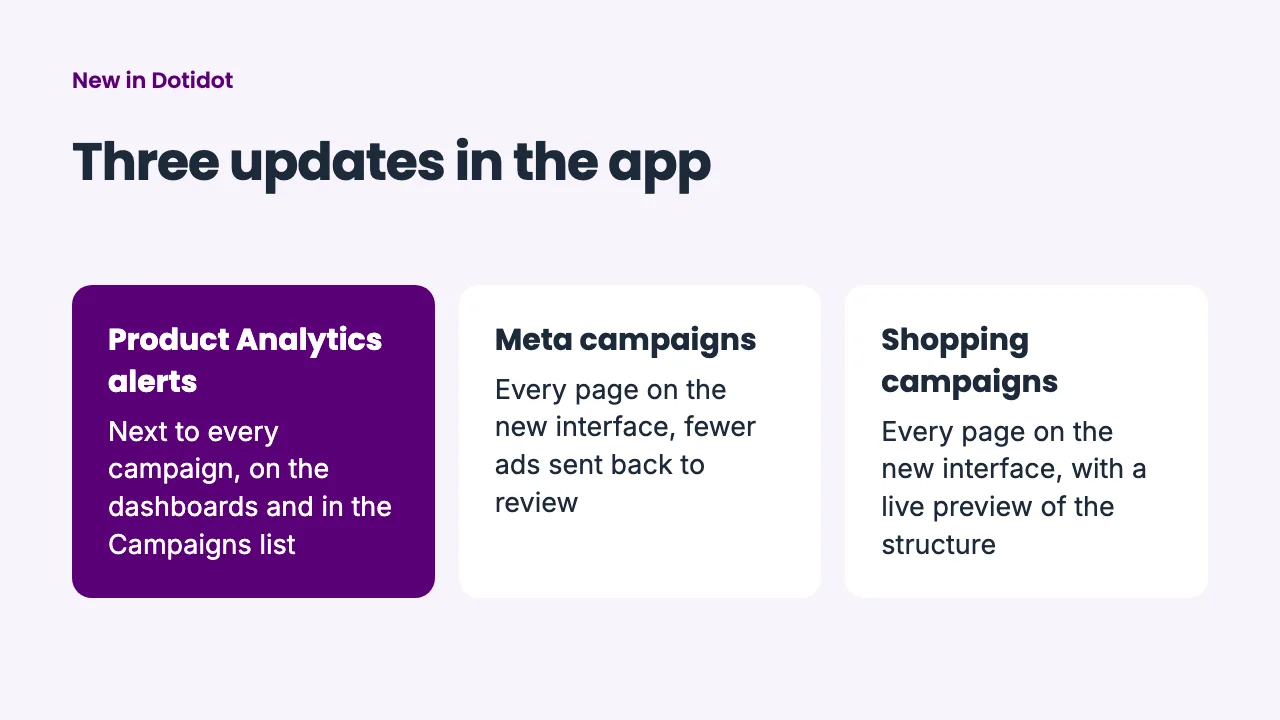
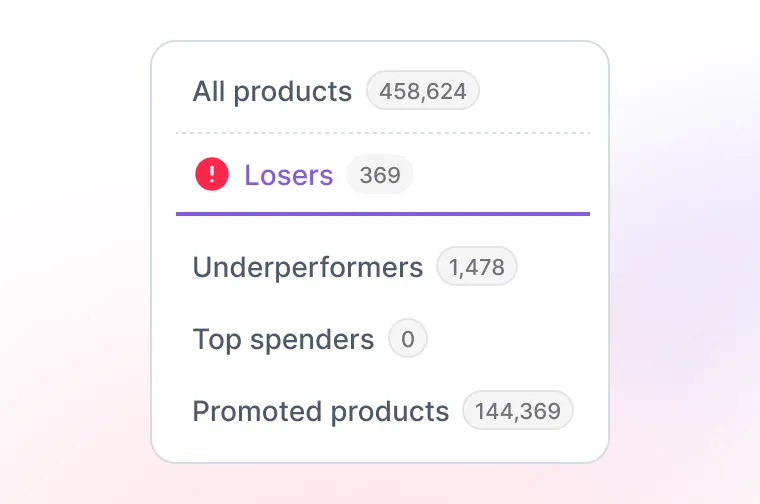
- Product Analytics alerts next to your campaigns. You see alerts, such as products where you lose money, on the Organization Dashboard and every campaign dashboard. The Campaigns list has a new column for them too.
- Meta campaigns fully on the new interface. Every Meta campaign page, from the create wizard to sync errors, now runs on the new app. Ads with several texts or per-placement media are no longer re-sent to Meta when nothing changed, so they stop going back into review.
- Shopping campaigns fully on the new interface. Every Shopping campaign page, from the create wizard to Structure and Preview, now runs on the new app. Structure shows a live preview of the campaign, ad group and product group tree as you edit, and warns when an ad group goes over the product limit.
Watch out next month
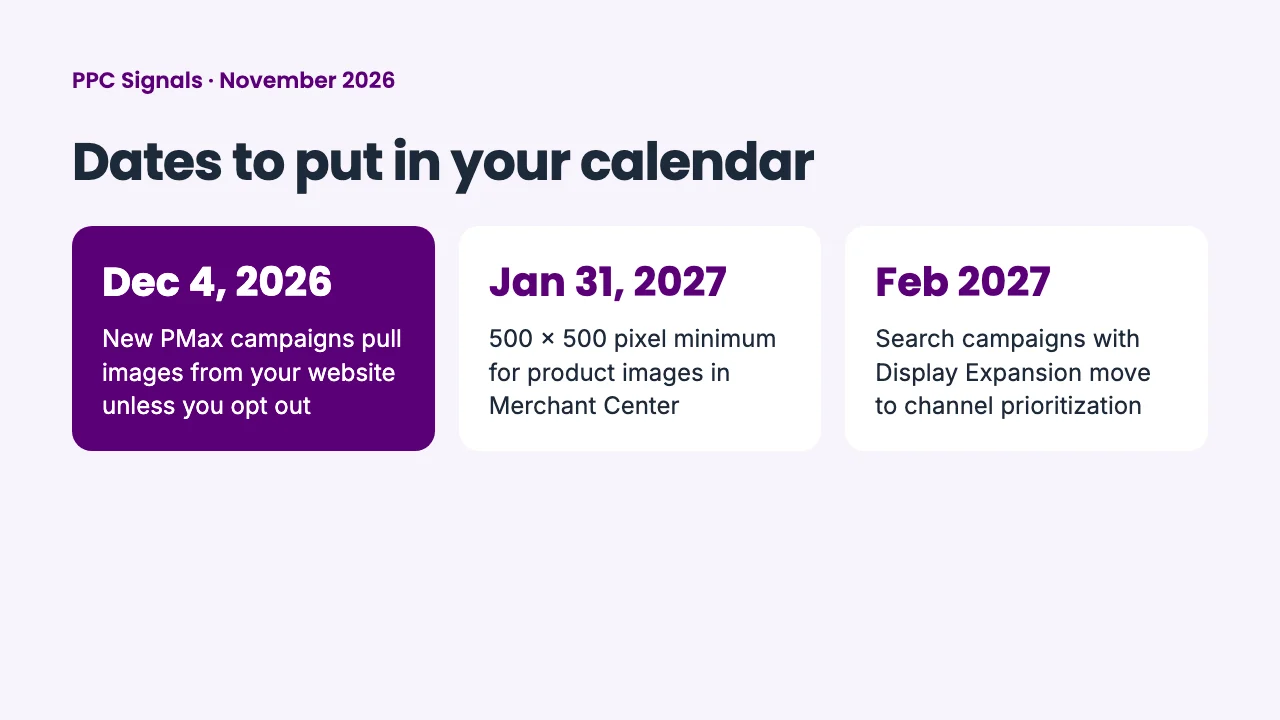
- December 4, 2026: new PMax campaigns pull images from your website unless you opt out.
- January 31, 2027: the 500 x 500 pixel minimum for product images in Merchant Center.
- February 2027: Search campaigns with Display Expansion move to channel prioritization.
Got this from a colleague? Get PPC Signals every month. We read 100+ updates, you get the ones that affect your e-shop.
Sources
- Meta product browsing: notice to advertisers, reported by PPC Land and Relevant Audience
- Channel prioritization: Google Ads & Commerce Blog, Search Engine Journal
- PMax image extraction: Google Ads Developer Blog
- Automatic item updates: Google Merchant Center Help, Search Engine Roundtable
- ChatGPT Ads creative enhancements: OpenAI Help Center, Search Engine Journal
- Question and answer attribute: Google Merchant Center Help
- Sourced videos: Google Ads Help
- store_address: Google Merchant Center Help
- Customer lifecycle goals: Google
- Image quality: Google Merchant Center Help
- Smart Bidding Exploration: Google Ads Help
- Microsoft Performance Max: Microsoft Advertising Blog
- Merchant Center passkeys: Google Merchant Center Help
- Images: Google Ads interface via Thomas Eccel (channel prioritization), Google Ads Developer Blog, Google Merchant Center Help via Search Engine Roundtable, ChatGPT Ads Manager and Google Merchant Center via Adriaan Dekker